


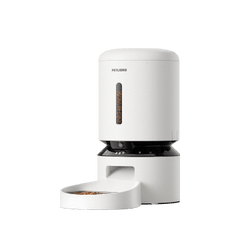



To share your AF301 feeder with another user, please ensure the device is shared using the registered email address associated with your account. Here’s how to proceed:
1. Find Your Registered Email Address:
-
Open the app.
-
Go to the "Me" section.
-
Select "Personal Information."
-
Locate your "User ID", which is typically linked to your registered email address.

2. Share the Feeder:
-
Go to the "Settings" section in the app.
-
Select "Device Sharing."
-
Choose "Add New User."
-
Enter the email address of the person you want to share access with.
-
Tap "Share" and then "Confirm" to complete the process.