






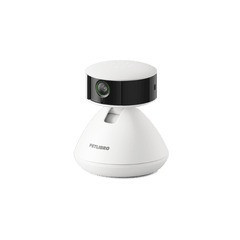




1. Enter the camera page and click the settings icon in the upper-right corner.
2. Find Human Detection and enable it.
3. Here you can also adjust the human detection sensitivity, but it is recommended to keep it at the default value.

4. Go back to the notification interface and make sure Human notifications are turned on.

5. On the device home page, you can find Human Detection on the right side of Pet Activity