


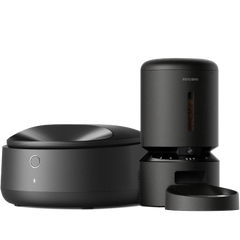

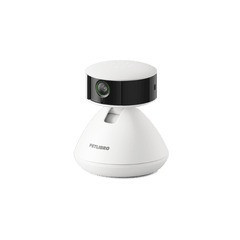




If you don't see any photos, Scout might need help recognizing your pet. Here are a few things you can try to improve recognition accuracy:
1) Adjust Scout's Pet Recognition Sensitivity. Tap the settings icon in the top right corner of the home screen, then "Pet Recognition." Slide the Pet Recognition Sensitivity bar to adjust the sensitivity level. Try adjusting it one level at a time and check the results. It might take a few tries to find the right setting for your pet and their environment.
2) Check the Recognition Gallery. If you see misidentified pets in the gallery, you can reassign them to your newly created pet profile.